AES-256 encryption
Create strongly encrypted PDF copies compatible with standard PDF readers.
Add a password to any PDF with AES-256 encryption. Your documents are processed locally and stay right on your device.
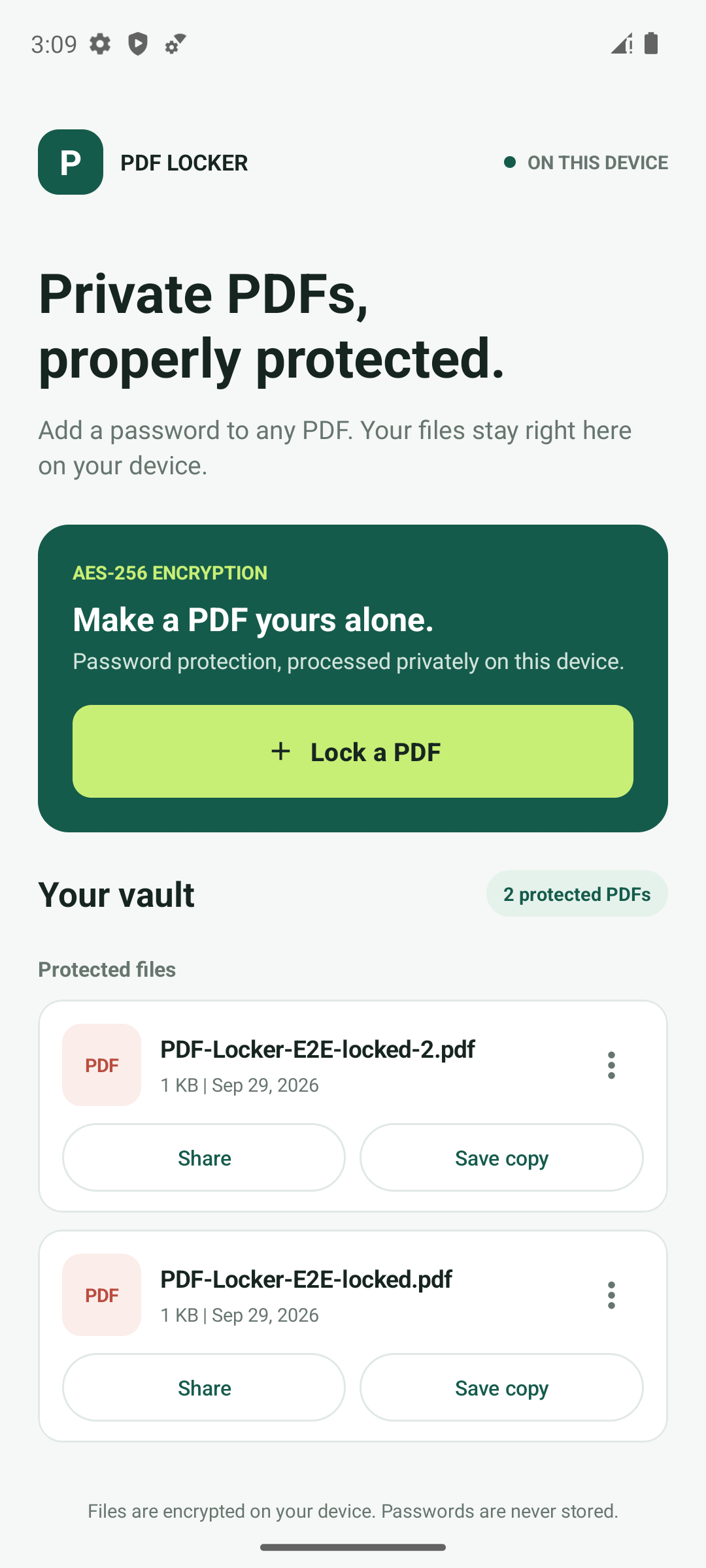
Everything you need to create and manage password-protected PDF copies without creating an account.
Create strongly encrypted PDF copies compatible with standard PDF readers.
Your PDF content is handled on your Android device, not uploaded to PDF Locker servers.
Open, share, or save a protected copy to a destination you choose.
Select a document through Android's secure file picker.
Enter and confirm a password of at least eight characters.
Keep the encrypted copy in your vault or send it where it needs to go.
No sign-up, no cloud account, and no password database. Just straightforward local PDF protection.
Contact support